Download songs, albums, playlists, and podcasts from 17+ major streaming platforms including Spotify, Apple Music, YouTube Music, Amazon Music and 10,000+ podcast sites to MP3, AAC, WAV, FLAC, and more.


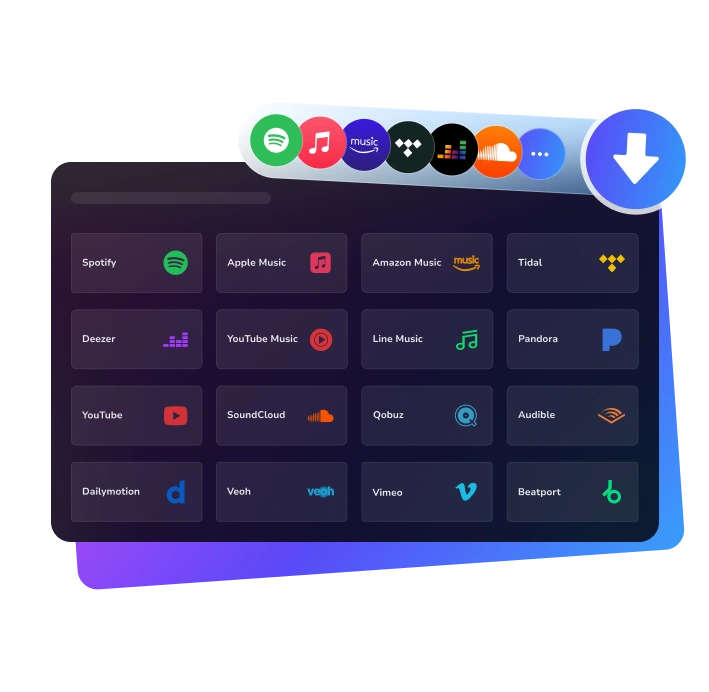
Download and convert any YouTube Music track, album, or playlist to MP3, AAC, WAV, FLAC, AIFF, or ALAC at 10X speed, while keeping 100% original audio quality, ID3 tags, and lyrics.
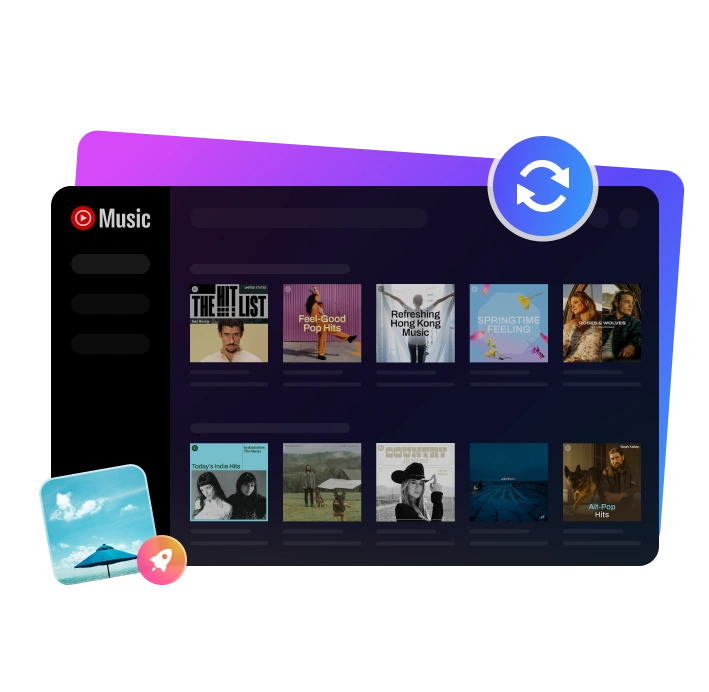
Download songs, albums, playlists, podcasts, audiobooks and radio from Spotify to MP3, AAC, WAV, FLAC, AIFF, or ALAC, ensuring perfect, uncompromised audio quality for offline playback.












Explore our top-rated music converters, loved by thousands of users for stable performance, fast speed, and superior quality, designed to help you download, convert, and enjoy music effortlessly.
Ultimate solution to download and convert music from all major streaming platforms like Spotify, Apple Music, YouTube and 10,000+ podcast sites to MP3.
Losslessly download and convert Spotify songs, albums, playlists, podcasts, audiobooks, radio to MP3, AAC, WAV, FLAC, AIFF, or ALAC without Premium.
Convert Apple Music, iTunes tracks, and podcasts to MP3 or high-quality, lossless formats like AAC, WAV, FLAC, and ALAC and listening offline on any device.
Batch download and convert YouTube Music playlists to MP3, AAC, WAV, FLAC, AIFF, or ALAC at 10X faster speed and permanently store them on your local device.
Download and convert tracks, albums, and playlists from Amazon Music Prime or Amazon Music Unlimited to MP3, AAC, WAV, FLAC, AIFF, or ALAC.
Get SoundCloud songs and playlists in 320kbps MP3 with full ID3 metadata information, and enjoy unlimited offline playback.
We transform the way people enjoy streaming music, making downloads faster, easier, and truly hassle-free.
“KeepMusic is the solution I've been searching for! As someone who travels frequently, being able to download any music to MP3 has been life-changing. Now I have my entire playlist offline, and the audio quality is perfect. Highly recommend!”
Music Enthusiast

“This converter saved me so much money! I was paying for YouTube Premium just to listen offline, but KeepMusic lets me download songs from YouTube Music for a one-time fee. The best part? I can download my entire YouTube Music playlist in one go!”
College Student

“Spotty internet on the road used to ruin my music. With KeepMusic, I've built an offline library of thousands of songs. The best part? All the ID3 tags are preserved perfectly - artist, album, even the lyrics files. Makes organizing so easy!”
Long-Haul Truck Driver

“As a DJ, I need high-quality audio files for my sets. KeepMusic delivers exactly that - FLAC conversion with zero quality loss. The 10x speed is no exaggeration. What takes other converters hours, this does in minutes. Professional-grade tool!”
DJ & Music Producer

“Building my digital archive requires a tool that can download Music form various platforms permanently. With KeepMusic, I can download Music from all major platforms in high quality and organize my collection. The ability to download from any music with full ID3 tags makes cataloging effortless.”
Music Collector

“KeepMusic Music Converter is a powerful yet simple tool. I can download music, playlists, and podcasts in just a few clicks. Everything is well organized and the conversion speed is great. Highly recommended for anyone who loves music.”
Digital Content Creator

 Switch to Mac