 KeepMusic YouTube Music Converter
Batch download and convert songs, albums, and playlists from YouTube Music to MP3, AAC, WAV, FLAC, AIFF, or ALAC in seconds. Enjoy high-quality, ad-free, unlimited offline music on any device.
*Tips: KeepMusic is designed for personal, fair-use downloading.
No skills required. Anyone can do it in seconds! User Manual for YouTube Music Converter >>

Open KeepMusic and log into your YouTube Music account.

Select MP3 as the output format in the Settings panel.

Browse a playlist, then click the '+' icon to select songs for conversion.

Click 'Convert' button to export your YouTube Music files.
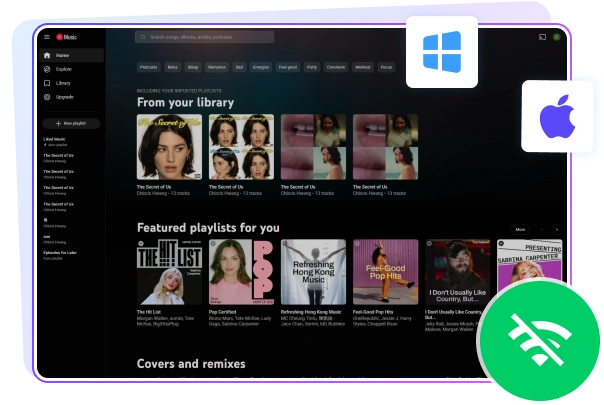

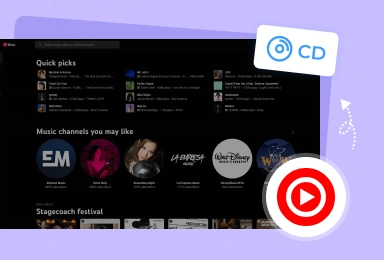
Save YouTube Music permanently to your local PC or Mac computer with no limits. Download songs, albums, and playlists for offline listening, long-term backup, easy device transfer, and uninterrupted playback anytime, even after subscriptions end or without an internet connection.
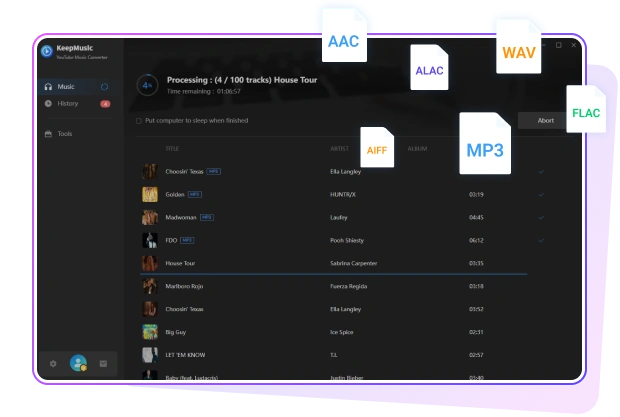

Easily convert any YouTube Music track, album, or playlist to popular formats including MP3, AAC, WAV, FLAC, AIFF, and ALAC. Enjoy everything from everyday MP3 playback to lossless FLAC quality. Download and save your music directly for flexible offline playback on all your favorite devices and media players.
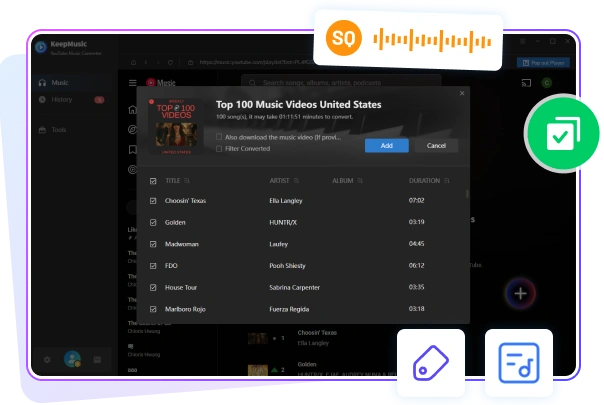

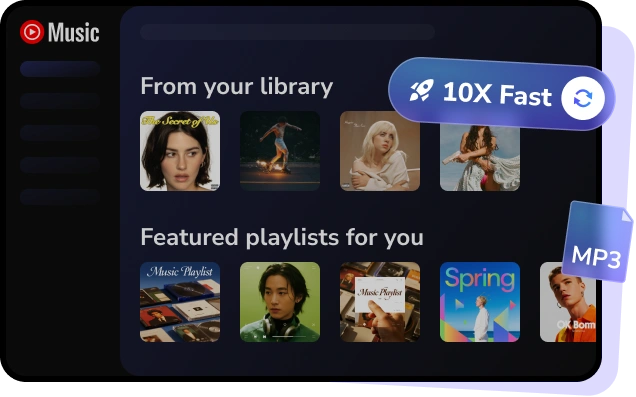
Batch convert full YouTube Music playlists or albums up to 10X faster speed. Advanced technology preserves original audio quality as streamed on YouTube Music, complete ID3 tags, and album art, while saving lyrics as separate .txt files, giving you full control over your music library organization.
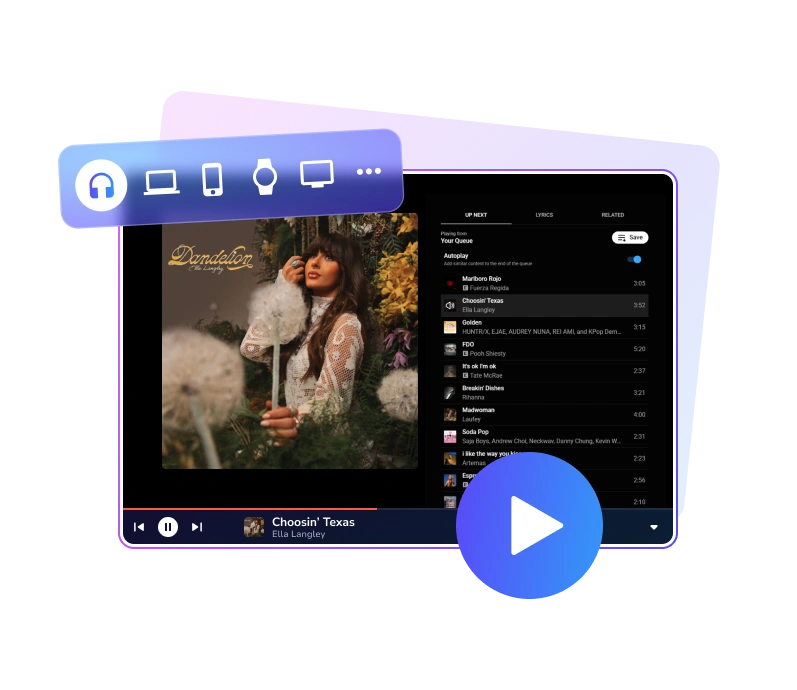

No platform limits, no internet required, and no app restrictions—just pure, unrestricted listening on your terms.

Play your music on USB drives, car systems, MP3 players, DJ equipment, or other portable devices wherever you go.

Enjoy smooth, stable playback with no lag or interruptions for a consistent listening experience across all your music.
Start from Billed Yearly
$3.75 /mo
Start from Billed Yearly
$6.66 /mo


Yes. KeepMusic is 100% safe, virus-free, and ad-free. It is designed for personal use, such as offline listening and music backup. We recommend users comply with local copyright laws when using the software.
KeepMusic is compatible with Windows (7/8/10/11) and macOS (11 and above), and is regularly updated to ensure compatibility with the latest system versions.
KeepMusic is free to download and comes with a trial version for testing core features. You can upgrade to the full version to remove the one-minute limit and unlock full-length conversions.
No. KeepMusic works independently, won’t affect your YouTube Music account, and lets you choose where to store downloaded YouTube Music files.
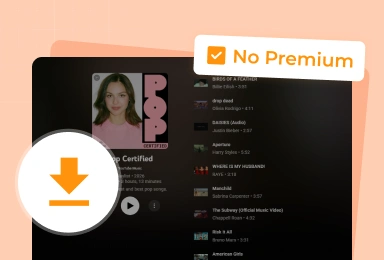
Yes. KeepMusic works with both YouTube Music Free and YouTube Music Premium accounts, allowing you to convert and save music for offline listening regardless of your subscription plan.
No. KeepMusic YouTube Music Converter preserves the original audio quality during conversion, delivering lossless, crystal-clear sound.
Absolutely. You can download entire YouTube Music playlists, albums, or all songs from an artist in one click, saving time compared to downloading tracks individually.
Yes. Once converted with KeepMusic, your YouTube Music downloads are saved as local audio files, meaning you can keep and play them offline permanently without expiration or app limitations.
Yes. After conversion, you can transfer YouTube Music files to any device, including iPhone, Android, Windows, Mac, smart TVs, car systems, and portable music players — no app or internet required.
If you encounter any issues while using KeepMusic, you can contact our support team at support@keepmusic.io. We provide assistance and respond within 24 hours to help resolve problems quickly and ensure a smooth experience.