


 Home > Articles > Safe YouTube to MP3 Downloads
How to Safely Download Music from YouTube
A 2026 Hands-On Review

Important Legal & Safety Notice
Copyright: Downloading copyrighted content without permission may violate terms of service and applicable laws. Always ensure you have the right to download content and support creators through official channels when possible.
Our Testing: We conducted this hands-on review in January 2026. We tested each tool with the same YouTube content, focusing on safety, reliability, and actual user experience.
Finding a truly safe way to download audio from YouTube can feel like navigating a minefield. Between questionable websites, misleading ads, and privacy concerns, many users understandably hesitate. To cut through the confusion, We conducted hands-on testing of 5 popular YouTube to MP3 methods. Our goal wasn't to create another generic list, but to provide practical insights based on actual testing with safety as our primary focus. In this article, we'll share our findings from testing these tools, with particular attention to safety concerns. We evaluated each method based on multiple criteria including security scans, ad intrusiveness, reliability, and output quality.

Our Testing Approach & Safety Criteria
Before we share our findings, it's important to understand how we conducted these tests to ensure fairness and focus on safety:
Test Environment & Methodology
- Test Period: January 1-7, 2026
- Systems Used: Clean Windows 11 and macOS Sonoma installations
- Security Tools: Malwarebytes, Windows Defender, and manual inspection
- Test Content: 7 different YouTube videos (various lengths and quality)
- Network: Controlled environment to eliminate network variables
Safety & Evaluation Criteria
| Primary Focus | What We Examined |
|---|---|
| Security (40% weight) | Malware scans, bundled software, privacy policies, deceptive ads |
| Usability (25% weight) | Interface clarity, deceptive buttons, workflow simplicity |
| Reliability (20% weight) | Success rate, error frequency, update responsiveness |
| Output Quality (15% weight) | Audio bitrate options, format selection, metadata handling |
Desktop Software Analysis
Desktop applications generally offer better security than online tools but require installation. Here's what our testing revealed about three popular options:
1. KeepMusic Music Converter
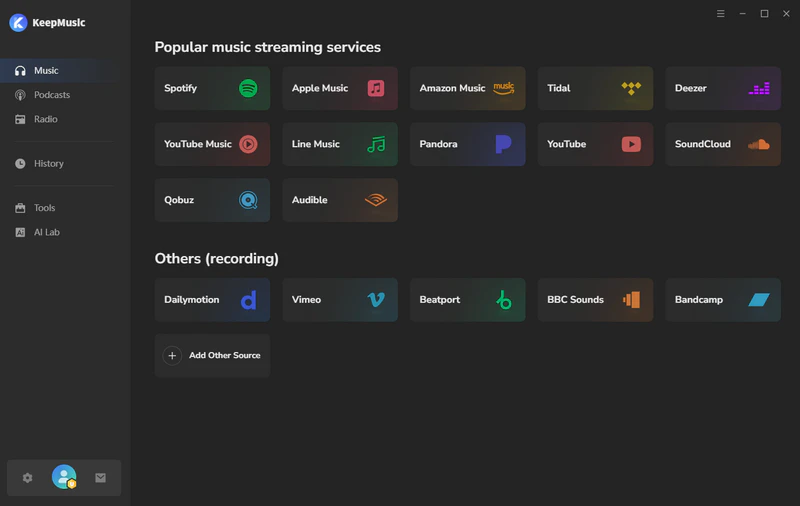
Our Findings: KeepMusic takes a different approach by supporting multiple streaming services beyond YouTube. Our tests confirmed its versatility but it's not a free option.
Safety & Strengths
- Clean security profile with no malware detected
- Support for 17+ streaming services (not just YouTube)
- Excellent metadata preservation (artist, album, artwork)
- Multiple high-quality output formats including MP3, FLAC, WAV
Limitations & Concerns
- Premium service
- Free trial limits conversion to 1-minute samples
- Overly complex for users who only need YouTube conversion
- Requires login to streaming services
Compatibility: Windows 7-11 & macOS 11+
Safety Rating: 5/5 (No security issues detected)
Best For: Users who regularly download from multiple streaming services and prioritize audio quality
 Download Now
 Download Now
2. NoteBurner YouTube Video Downloader
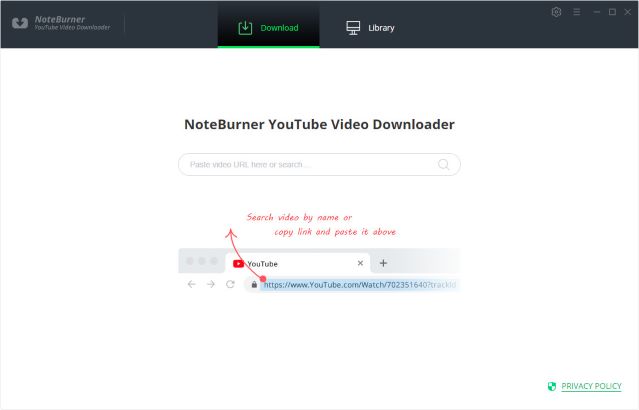
Our Findings: NoteBurner presents itself as a straightforward video downloader with audio extraction capabilities. During our tests, we found the interface functional and its pro version supports beyond YouTube platform.
Safety & Strengths
- Clean installation with no detected malware
- No in-application advertisements
- Completely free with no hidden paywalls
- Straightforward video download functionality
Limitations & Concerns
- Only support basic functions
- Limited audio format options
- Occasional failures with age-restricted content
- Built-in with pro upgrade
Compatibility: Windows 7-11 & macOS 11+
Safety Rating: 4.5/5 (Clean, it promotes pro version within the app)
Best For: Users who need video downloads with occasional audio extraction
3. KeepMusic YouTube Music Converter
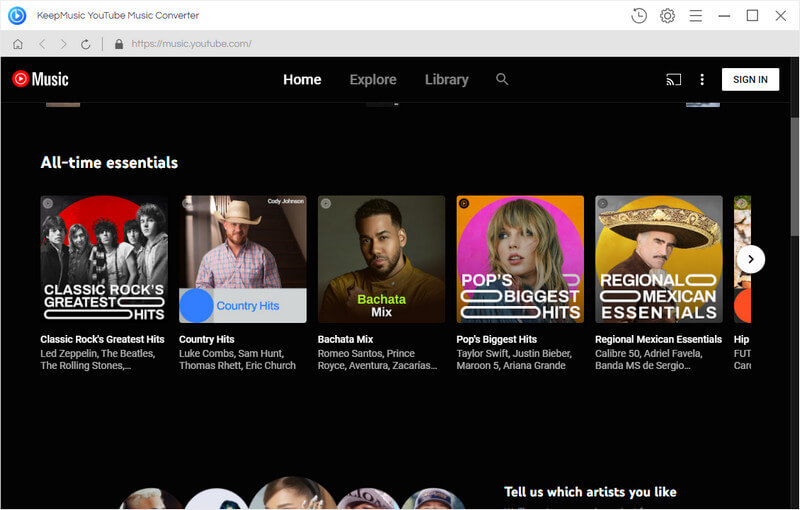
Our Findings: KeepMusic is specifically designed for YouTube Music rather than regular YouTube videos.
Key Safety Note: It's important to note that this converter only works with YouTube Music, not regular YouTube, which is a significant limitation for many users.
Safety & Strengths
- Clean security profile with no malware or ads
- High-quality audio output (up to 320kbps MP3)
- Optimized specifically for YouTube Music service
- Preserves metadata when available from source
Limitations & Concerns
- Only works with YouTube Music, not regular YouTube
- Mid-range price point
- Free trial has 1-minute conversion limitations
Compatibility: Windows 7-11 & macOS 11+
Safety Rating: 5/5 (Official software, no security concerns)
Best For: YouTube Music Premium subscribers seeking offline access to their library
Online Converters Analysis
Online tools offer convenience but often compromise on safety. Here's what our testing revealed about two popular options:
1. Y2Mate
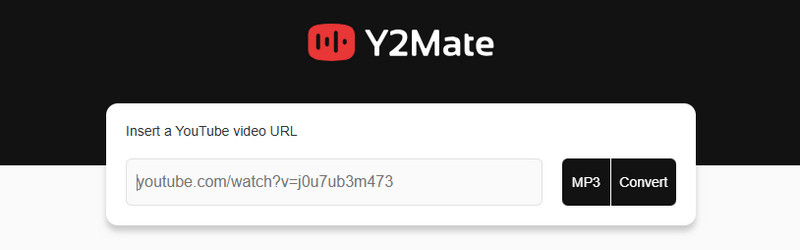
Our Findings: Y2Mate represents the typical free online converter experience: functional but will redirect you to untrustworthy websites after clicking the "Download" button.
Key Safety Warning: While the tool can successfully download files, we strongly advise against browsing or clicking on the pop-up websites that appear during the process, as they may pose security risks.
Functionality
- Successfully converts YouTube to MP3
- No registration or account required
- Supports multiple video platforms
Safety Concerns
- Multiple redirects to questionable sites
- No clear privacy policy or data handling disclosure
- Potential for malware through ad networks
Safety Rating: 2.5/5 (Functional but high risk of misclicks and exposure to malicious ads)
Best For: One-time conversions only, with ad-blocker enabled and extreme caution
2. YTMP3
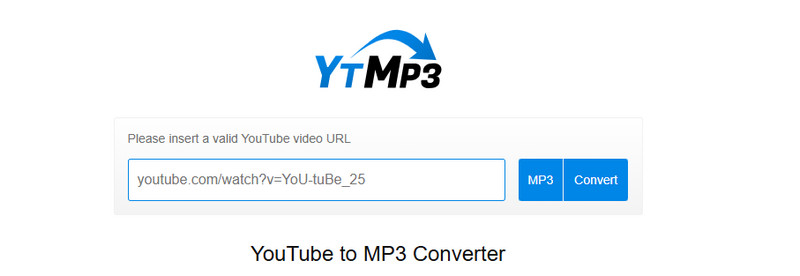
Our Findings: While YTMP3 has a relatively clean interface, many videos fail to parse correctly during our tests, frequently resulting in Error messages.
Key Safety Note: Conversion speed was inconsistent in our tests, ranging from 30 seconds to several minutes for the same video.
Functionality
- Simpler interface
- Supports longer videos
- Direct download without intermediate pages
Safety Concerns
- No information about data privacy or retention
- Uploaded video URLs could be logged or tracked
- Consistently failed with all test videos
Safety Rating: 2.0/5 (Not working frequently)
Best For: Occasional conversions when desktop software isn't an option, with ad-blocker enabled
Safety Comparison Table
Based on our hands-on testing, here's how these tools compare from a safety and usability perspective:
| Tool | Type | Safety Score | Ad Experience | Privacy Concerns | Reliability | Best For |
|---|---|---|---|---|---|---|
| KeepMusic | Desktop | 5/5 | No ads | Low | Excellent | Multi-service users |
| NoteBurner | Desktop | 4.5/5 | No ads | Low | Good | Video + audio |
| KeepMusic | Desktop | 5/5 | No ads | Low | Excellent | YouTube Music Premium users |
| Y2Mate | Online | 2.5/5 | Poor | High | Good | Occasional online use (with caution) |
| YTMP3 | Online | 2/5 | Poor | Medium-High | Variable | One-time use |
Our Recommendations Based on Specific Needs
Based on our testing, here are our recommendations for different user scenarios:
For Maximum Safety & Privacy
Desktop software is strongly preferred. Online converters inherently carry higher risks due to ads, tracking, and potential data logging. If you must use online tools, employ a robust ad-blocker and avoid entering any personal information.
For YouTube Music Premium Subscribers
KeepMusic YouTube Music Converter is purpose-built for this specific use case. While it carries a cost, it delivers reliable, high-quality conversions with proper metadata handling for YouTube Music content.
For Multi-Service Users
KeepMusic Music Converter justifies its higher price if you regularly download from multiple streaming services. The security profile is clean, though the login requirement warrants consideration.
For Free Solutions
Among free options, NoteBurner offers the cleanest safety profile but lacks MP3 output. For online tools, Y2Mate performs better than YTMP3, though both require significant caution.
Key Findings from Our Testing
- Desktop software consistently outperforms online tools in security and reliability
- Tool specialization matters - YouTube Music requires different tools than regular YouTube
- "Free" often comes with hidden costs in privacy, security, or functionality limitations
Safety Questions Answered
1. What are the real risks of using YouTube to MP3 converters?
Based on our testing, the primary risks include:
- Malware exposure through deceptive ads or bundled software
- Privacy violations from data collection or logging of downloaded content
- Legal considerations regarding copyright infringement
- Financial risks from subscription traps or hidden charges
2. How can I minimize risks when using these tools?
Our safety recommendations include:
- Use reputable antivirus software and keep it updated
- Prefer desktop software over online converters when possible
- For online tools, use a reliable ad-blocker
- Be skeptical of download buttons that look different from the page design
- Read privacy policies and terms of service when available
3. Why do online converters have so many deceptive ads?
These sites operate with significant legal and operational uncertainties. Aggressive advertising often represents their primary (or only) revenue stream. As platforms like YouTube implement more countermeasures, these sites face higher operational costs, leading to more aggressive monetization tactics.
4. Is downloading from YouTube Music different from regular YouTube?
Yes, significantly:
- Different platforms: They use separate APIs and protection systems
- Different tools required: Most YouTube downloaders don't work with YouTube Music
- Different audio quality: YouTube Music Premium offers higher quality (256kbps AAC) than standard YouTube (128kbps AAC)
- Different legal considerations: YouTube Music is specifically a music streaming service with clearer copyright implications
5. How often should I reassess which tool to use?
The landscape changes frequently. We recommend:
- Check tool functionality monthly if you use it regularly
- Re-evaluate safety quarterly by running new security scans
- Stay informed about legal changes that might affect tool availability
- Test with a single video before batch processing important content
Our Final Recommendations
After extensive testing, our conclusion is clear: there's no completely risk-free way to download YouTube audio, but risks can be significantly managed through informed tool selection.
For most users, desktop software provides the best balance of safety and functionality, despite often carrying a cost. Online tools can serve for occasional use but require substantial caution and protective measures.
Based on Our Testing:
If safety is your primary concern, we recommend using desktop software from reputable developers. For YouTube Music Premium subscribers specifically, purpose-built tools like KeepMusic's converter offer optimized performance despite the cost. For all users, maintaining updated security software and healthy skepticism toward "completely free" solutions remains essential in 2026.
Remember that this landscape evolves constantly. What's safe today might not be safe tomorrow. Always test tools with non-essential content first, maintain backups, and support content creators through official channels whenever possible.