


 Home > Articles > Free Unblocked Music Sites
Top 10+ Free Unblocked Music Sites for School in 2026

Many schools block popular music platforms like Spotify and YouTube to reduce distractions or manage network bandwidth. As a result, students often look for unblocked music sites that can still be accessed on restricted school networks.
In this guide, you’ll discover 10+ free music websites that are accessible in school environments. You’ll also learn the best way to listen to music at school without restrictions.
- 10+ Free Unblocked Music Websites for School
- 1. Audiomack
- 2. Bandcamp
- 3. Jamendo Music
- 4. AccuRadio
- 5. Free Music Archive
- 6. Soundzabound
- 7. Playlistsound
- 8. Zozoki
- 9. Hoopla
- 10. Last.fm
- 11. Musopen
- Best Way to Listen to Music Unblocked at School [Recommended]
- Comparison Table of the Top 10+ Free Unblocked Music Sites
- FAQs about Unblocked Music Sites
10+ Free Unblocked Music Websites for School
1. Audiomack
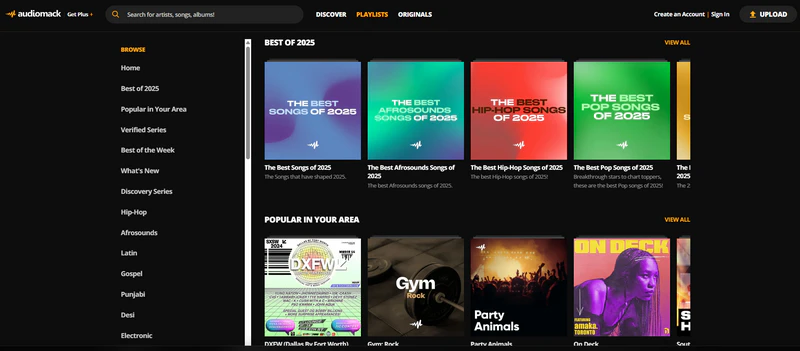
Audiomack is a free music streaming platform featuring a wide range of genres, including Hip-Hop, Afrosounds, Pop, and more. It has a clean interface that makes it easy to discover top songs, trending music, and tracks from both popular and emerging artists. Additionally, it offers a mobile app that supports in-app downloads of select tracks for offline listening. Audiomack is often considered an ideal unblocked music site for listening to music at school.
🔗Website: https://audiomack.com/
| Pros✅ | Cons❌ |
|
1. Free to access music
2. Supports offline listening 3. Features a vast collection of trending music |
1. The free version contains ads
2. Downloads are limited and only available in the app 3. Limited catalog compared to major platforms |
2. Bandcamp
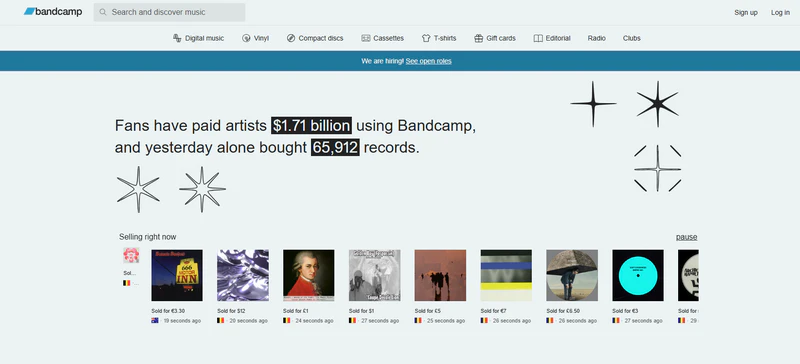
Bandcamp is a music site focused on independent music and covers genres such as indie rock, electronic, folk, and experimental music. It not only offers free online streaming but also allows users to directly purchase singles or albums, providing a direct way to support independent artists. With a library of over 5.4 million songs, Bandcamp is a great platform for discovering and enjoying independent music on school networks.
🔗Website: https://bandcamp.com/
| Pros✅ | Cons❌ |
|
1. Supports Web, Android, and iOS
2. Active artist community 3. Free stream high-quality original music |
1. Most downloads require purchase
2. Limited mainstream pop music 3. Lack of personalized recommendations |
 If you want to record Bandcamp Music for free in MP3, AAC, WAV, FLAC, AIFF, or ALAC format, All-In-One Music Converter is a perfect choice.
3. Jamendo Music
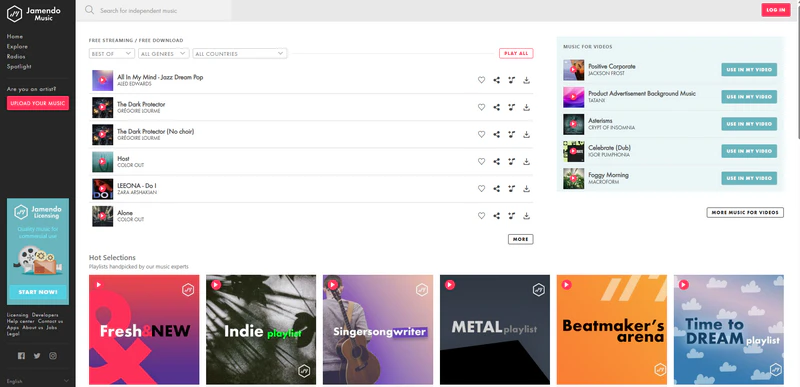
As a music platform focused primarily on independent artists, Jamendo Music offers free online streaming and downloads for select tracks. The platform spans genres such as electronic, pop, rock, and ambient music, making it a useful resource for discovering new independent music or finding background tracks for personal use. Due to its independent content and relatively simple structure, Jamendo remains accessible and functional in many schools.
🔗Website: https://www.jamendo.com/start
| Pros✅ | Cons❌ |
|
1. Listen free online without login
2. Free download for personal use 3. Vast independent music library |
1. Limited mainstream music
2. Not all music supports free downloading |
4. AccuRadio
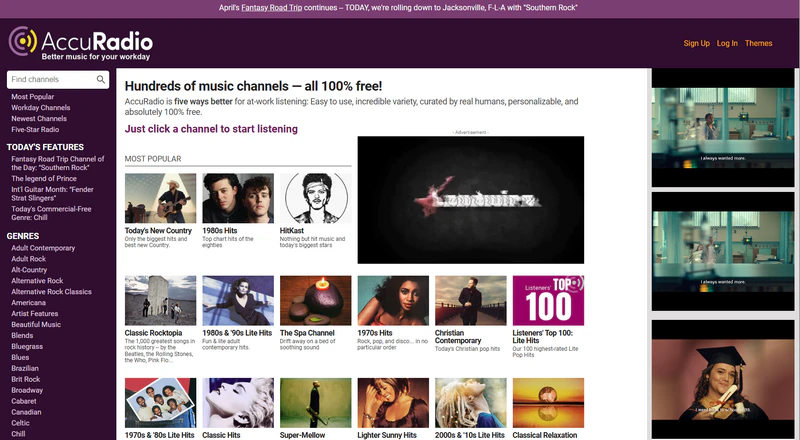
AccuRadio is a free online music radio platform featuring channels categorized by genre, era, and mood. One of its key features is that all music channels are curated by real people rather than algorithms, and the platform is 100% free to use. It offers over 1,000 music channels across 50+ genres, allowing users to select channels based on their preferences and featuring skip-song functionality. AccuRadio is an excellent unblocked music site for students who prefer a radio-style listening experience and curated channels.
🔗Website: https://www.accuradio.com/
| Pros✅ | Cons❌ |
|
1. 100% free to use
2. Manually Curated Content 3. 1,000+ Music Channels, 50+ Genres 4. Supports skipping songs and custom channels |
1. Contains ads
2. Offline downloading is not supported 3. Unable to listen to specific songs |
5. Free Music Archive
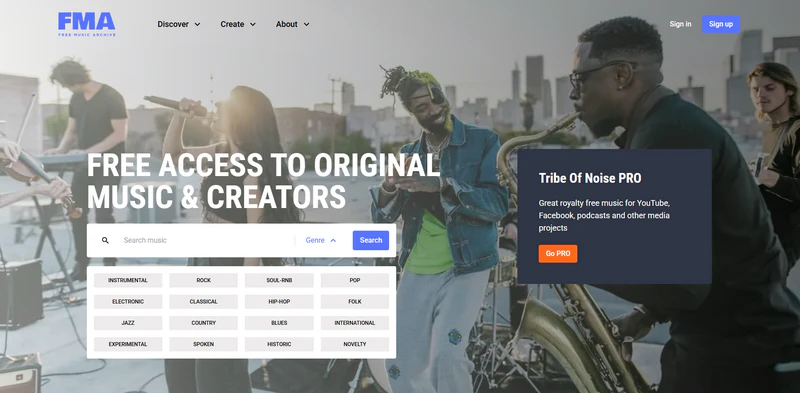
Free Music Archive (FMA) is a music resource site offering free and legally available music. Most of the music featured on the site comes from independent artists, the public domain, or works licensed under Creative Commons. The site boasts an extensive library covering various genres. Users can stream this music online for free and can also download and use it in projects. Its educational and open-resource nature makes FMA unblocked in most schools.
🔗Website: https://freemusicarchive.org/home
| Pros✅ | Cons❌ |
|
1. Providing free and legal music resources
2. Support downloading music for personal use 3. Cover wide variety of music genres |
1. Slow music library updates
2. Sound quality varies between tracks |
6. Soundzabound
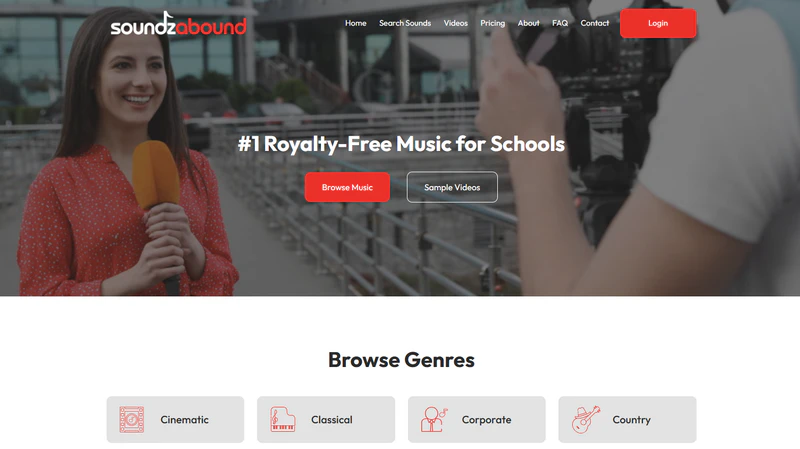
Soundzabound is a royalty-free music library designed for educational purposes, offering an extensive collection of audio resources for multimedia projects such as video production, podcasts, presentations, and school broadcasts. Its music is suitable for school use and helps users avoid copyright issues.
🔗Website: https://www.soundzabound.com/
| Pros✅ | Cons❌ |
|
1. Designed for educational use
2. Offer royalty-free music 3. With clean and user-friendly interface |
1. Fewer mainstream songs
2. Not suitable for casual listening |
7. Playlistsound
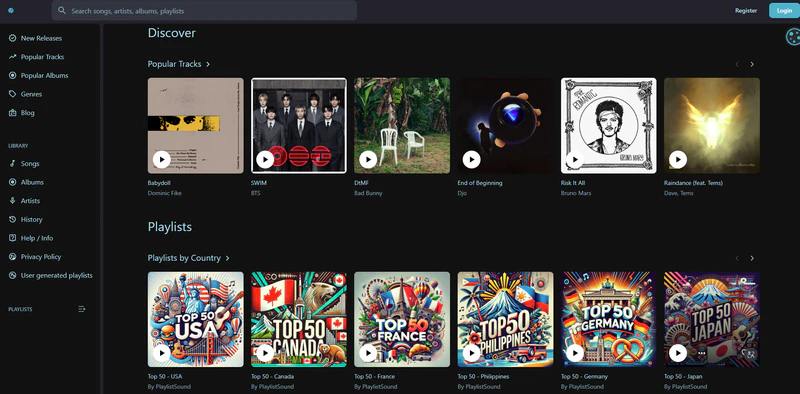
PlaylistSound offers an ad-free, unlimited listening experience requiring no subscription. Users can easily search for and play songs, albums, playlists, or artist content in a web browser. The platform provides access to music from around the world, including popular hits and tracks by emerging artists. It also features user-generated playlists, helping users discover and organize music at school.
🔗Website: https://playlistsound.com/discover
| Pros✅ | Cons❌ |
|
1. Free to use with no subscription required
2. Includes a Discover feature for finding new music 3. Supports user-generated playlists |
1. Contains ads
2. No download options available 3. Smaller library than mainstream streaming platforms |
8. Zozoki
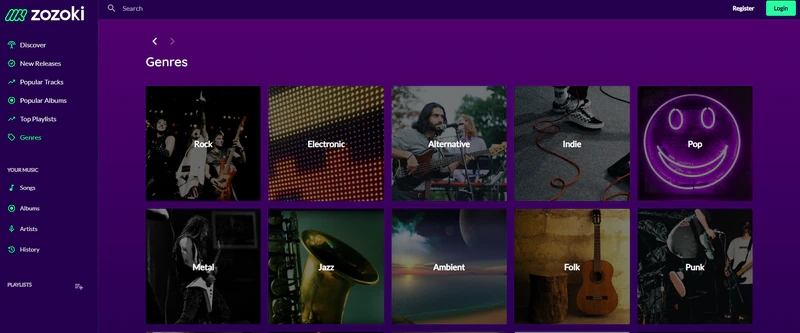
Zozoki is a free online music and video streaming service that allows users to play music directly in web browsers or on mobile devices. The platform boasts over 80 million music and video content, spanning a wide range of genres including Pop, Electronic, Rock, and Latin. It also enables users to create personal collections, discover new music, and browse recommended content. Overall, it is a perfect unblocked music app or site for streaming music.
🔗Website: https://zozoki.com/music/
| Pros✅ | Cons❌ |
|
1. Listen to music and videos for free
2. Large library of songs and videos 3. Supports streaming in browser and mobile |
1. Stability and reliability may vary
2. No offline download support |
9. Hoopla
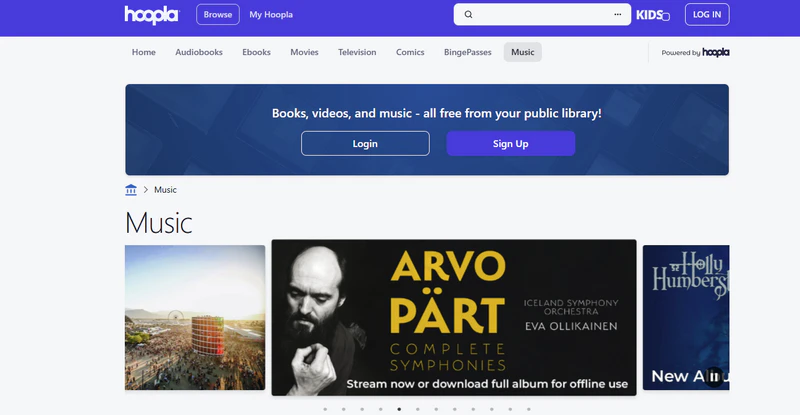
Hoopla provides free access to music streaming and other digital content. Through a library card from your local public library, users can explore full albums and well-known artists, making it a great unblocked music option for students at school. It covers a wide variety of genres such as pop, rock, jazz, electronic, and classical music. Users can also download content for offline listening within the borrowing period.
🔗Website: https://www.hoopladigital.com/browse/music
| Pros✅ | Cons❌ |
|
1. Free and ad-free listening
2. Offline download available 3. Also provides movies, e-books, and audiobooks |
1. Requires a library card to access
2. Music availability varies by library |
10. Last.fm
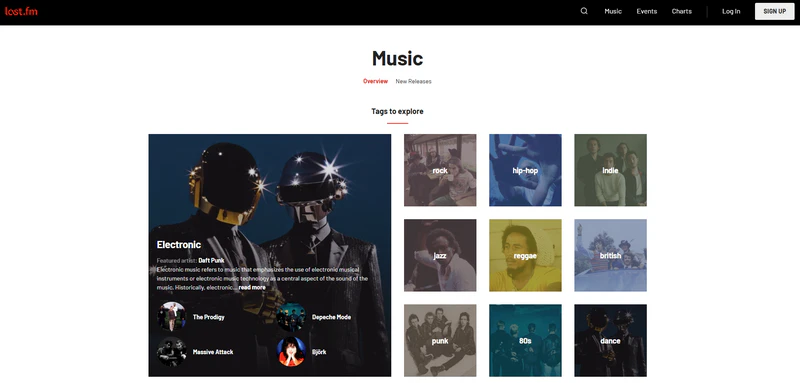
Last.fm allows users to listen to music online for free through embedded sources and also offers a scrobbling feature that tracks listening activity across platforms such as Spotify and Apple Music. It helps users build a personalized music profile and discover new songs based on their listening habits, making it a useful tool for students exploring music online.
🔗Website: https://www.last.fm/music
| Pros✅ | Cons❌ |
|
1. Listen to Music with MV
2. Personalized music recommendations 3. Some tracks can be downloaded for free |
1. Contains Ads
2. Limited playback depends on external platforms |
11. Musopen
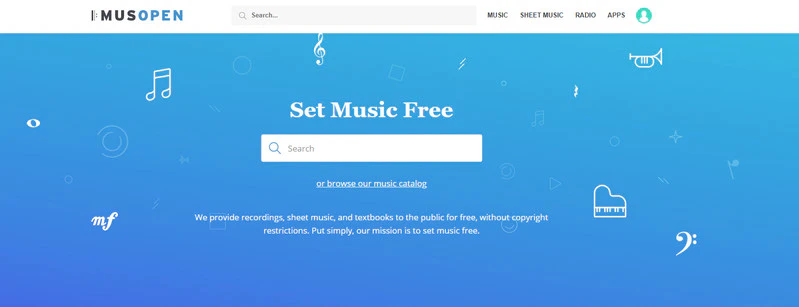
Musopen is a non-profit music platform dedicated to providing free, copyright-free classical music resources. It offers public domain music, sheet music, and educational materials covering classical works by many composers. Users can freely stream and download these resources online for personal, educational, or commercial use. Musopen is regarded as a legitimate unblocked music site for school.
🔗Website: https://musopen.org/
| Pros✅ | Cons❌ |
|
1. Supports streaming and downloading
2. Legal and copyright-free content 3. Suitable for learning and creative use |
1. The page contains banner ads
2. Limited to classical music only 3. Fewer modern or trending tracks |
Best Way to Listen to Music Unblocked at School
The music libraries on the aforementioned unblocked music websites are generally smaller and cannot match the scale of mainstream platforms such as Spotify or Apple Music. If Spotify and other major platforms are blocked at school, but you still want access to their music libraries, KeepMusic Music Converter provides a flexible solution for downloading and converting music for offline listening.
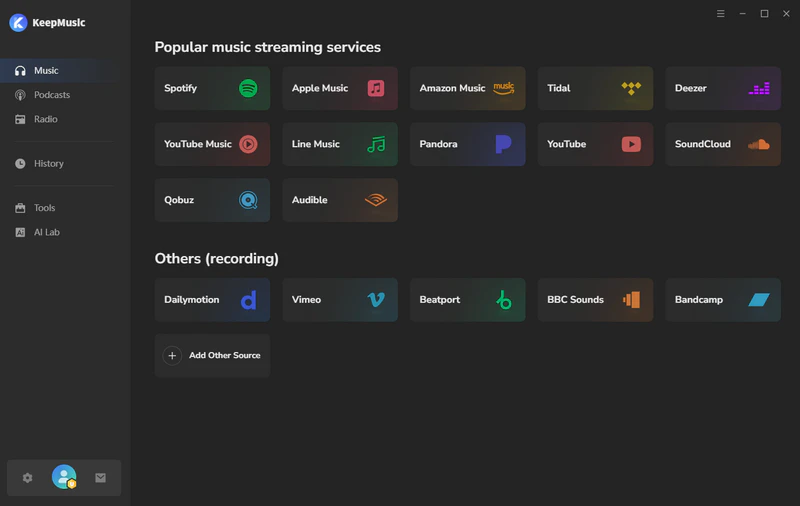
KeepMusic Music Converter supports downloading and converting songs, playlists, and albums from 17+ major music platforms, including Spotify, Apple Music, and YouTube Music to MP3, AAC, WAV, FLAC, AIFF, and ALAC. All downloaded files are saved directly to your local device for permanent retention, allowing you to enjoy offline music playback anytime, anywhere, without the need for an internet connection.
Furthermore, KeepMusic also supports free downloads of podcasts from 10,000+ podcast sites and features built-in tools for audio format conversion, CD burning, audio editing, and tag editing, making it a truly comprehensive solution for music management.
KeepMusic Music Converter
How to Download Streaming Music to MP3?
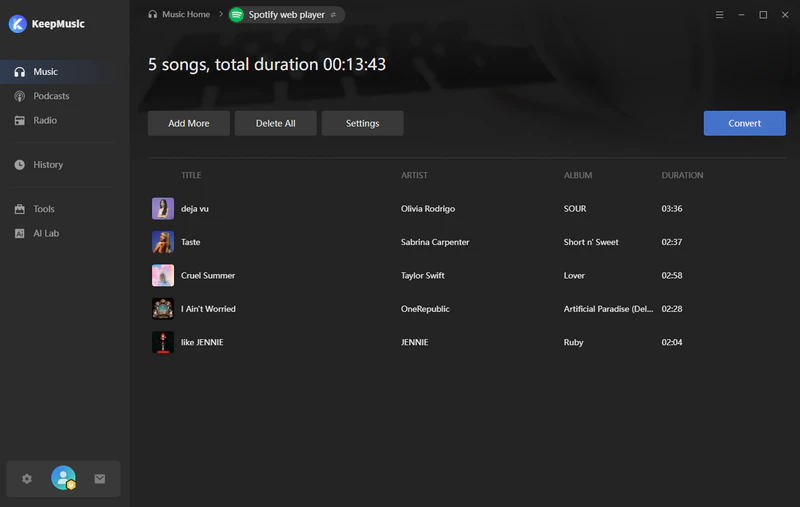
Step 1 Open KeepMusic on your computer and select the platform you wish to listen to (e.g., Spotify).
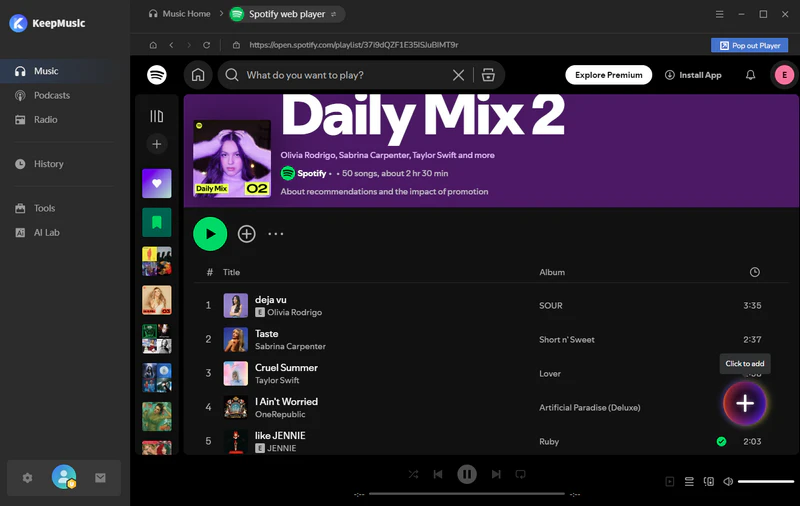
Step 2 Locate your favorite playlist and click the "+" button to add it to KeepMusic.
Step 3 Navigate to the "Settings" interface and select MP3 as the output format.
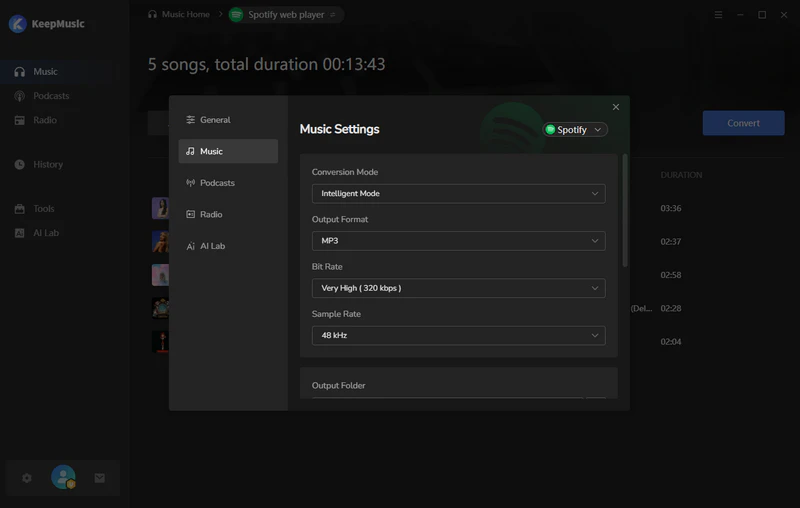
Step 4 Click the "Convert" button to begin downloading Spotify music to your local computer.
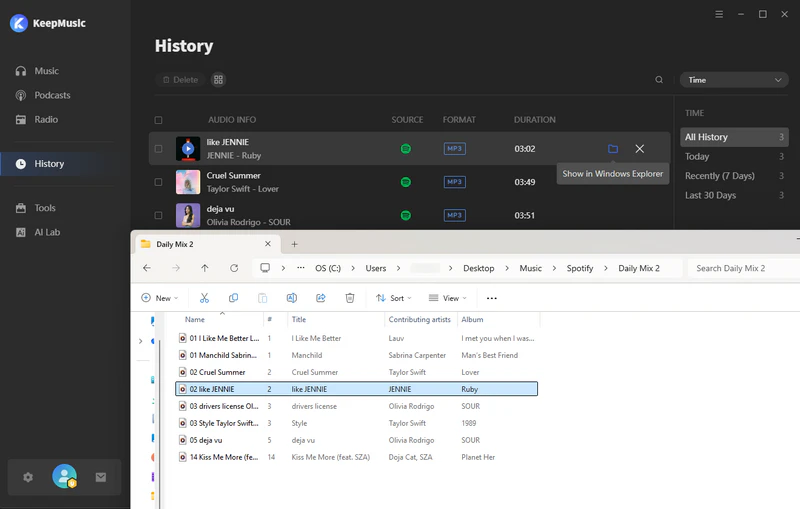
Step 5 Once the conversion is complete, go to the "History" section to view all your downloaded MP3 files.
Comparison Table of the Top 10+ Free Unblocked Music Sites
While all the above unblocked music sites offer different ways to stream music online, their features, music libraries, and accessibility can vary significantly. To help you quickly understand the differences and choose the most suitable option for your needs, the table below compares the key aspects of each platform in a clear way.
| Site | Offline playback | Music Library | AD-FREE | Feature |
| Audiomack | ✅ | Unknown | ❌ | Discovering empowering artists and streaming trending music |
| Bandcamp | ✅ | Over 5.4 million | ✅ | Supporting independent artists and purchasing or streaming niche music |
| Jamendo Music | ✅ | 600,000+ songs | ✅ | Discovering new independent music for personal use |
| AccuRadio | ❌ | 1,000+ music channels | ❌ | Genre-based internet radio offering unlimited free curated channels |
| Free Music Archive | ✅ | 60,000+ songs | ✅ | Free and Royalty-free music collections by independent artists |
| Soundzabound | ✅ | Unknown | ✅ | Educational royalty-free music and classroom-safe audio resources |
| Playlistsound | ❌ | Unknown | ❌ | Creating unlimited shareable playlists and enjoying ad-free music across multiple devices |
| Zozoki | ❌ | Over 80 million songs and music videos | ✅ | Streaming a wide range of popular music and videos online |
| Hoopla | ✅ | Over 1 million songs | ✅ | Borrowing full music albums and streaming via a public library card |
| Last.fm | ✅ | 10M+ songs | ❌ | Music discovery, tracking listening habits, and personalized recommendations |
| Musopen | ✅ | Unknown | ❌ | Free classical music, sheet music, and educational audio resources |
FAQs about Unblocked Music Sites
1. Why are music sites blocked at school?
Schools often block music platforms to reduce distractions, save network bandwidth, and maintain a focused learning environment, ensuring that network resources are prioritized for teaching and learning activities.
2. Is it legal to use unblocked music websites or apps at school?
Yes, as long as the music is properly licensed, using music websites or apps is generally legal. However, please avoid piracy or unauthorized sources.
3. Is there any unblocked music app for school besides unblocked music sites?
Yes, some of the unblocked music sites mentioned above also offer dedicated apps like Audiomack. However, if you are looking for a more comprehensive and reliable unblocked music solution, KeepMusic is a better choice for listening to music at school without restrictions.
Summary
The 11 unblocked music sites featured in this article offer a variety of options for listening to music on a school network. If you are looking for a safer and more stable experience, you can use KeepMusic Music Converter to download and save music locally for offline listening. Hope this guide helps you enjoy music more easily, whether at school or in other restricted network environments.